Share Your Profile Anywhere, Anytime
Wallet passes that work on any phone. QR codes that track engagement. NFC cards for instant connections. No app required for recipients.
Apple & Google Wallet Passes
Your Business Card, Always in Your Pocket
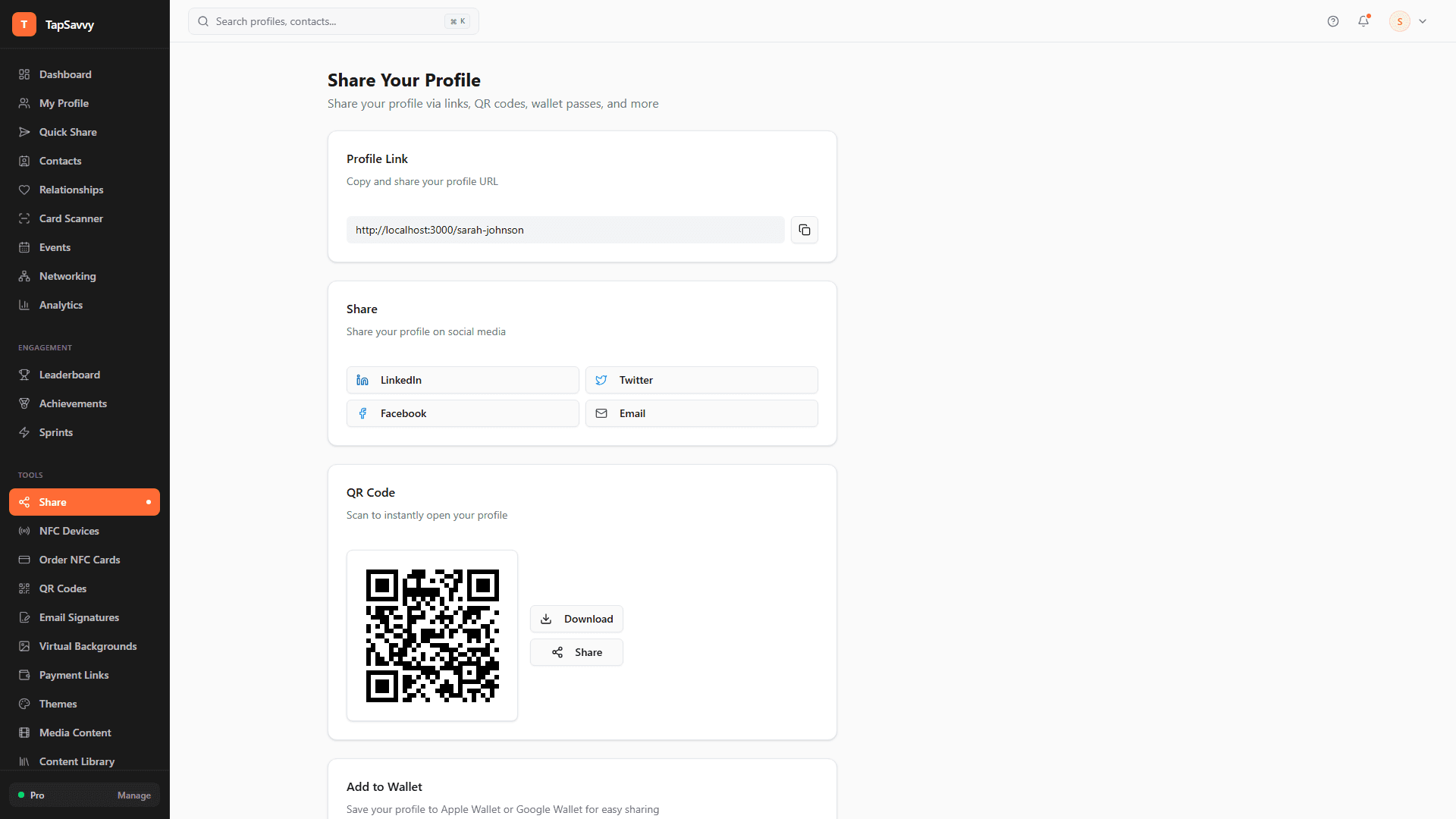
Add your TapSavvy profile to Apple Wallet or Google Wallet with one click. When you meet someone, just tap phones or show your QR code. They don't need to install anything.
- One-click add to Apple or Google Wallet
- Share via NFC tap—no app needed for recipient
- Works on any smartphone
- Auto-updates when you change your profile
- Branded with your colors and logo
Technical detail: We generate full PKPass files (Apple) and JWT-signed Generic Pass Objects (Google)—not just links. Your pass looks native and professional.
QR Code Generation
QR Codes That Track Everything
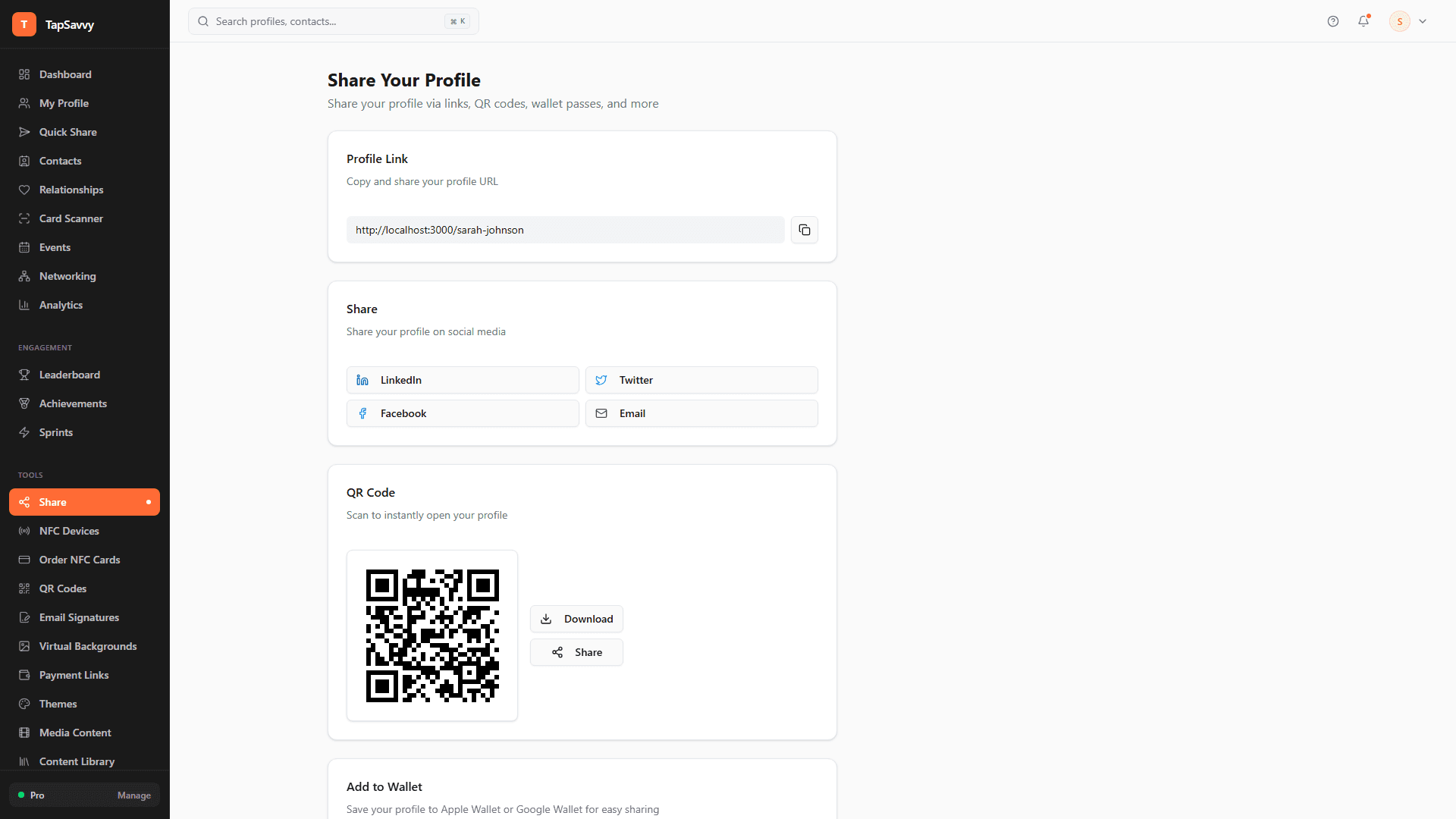
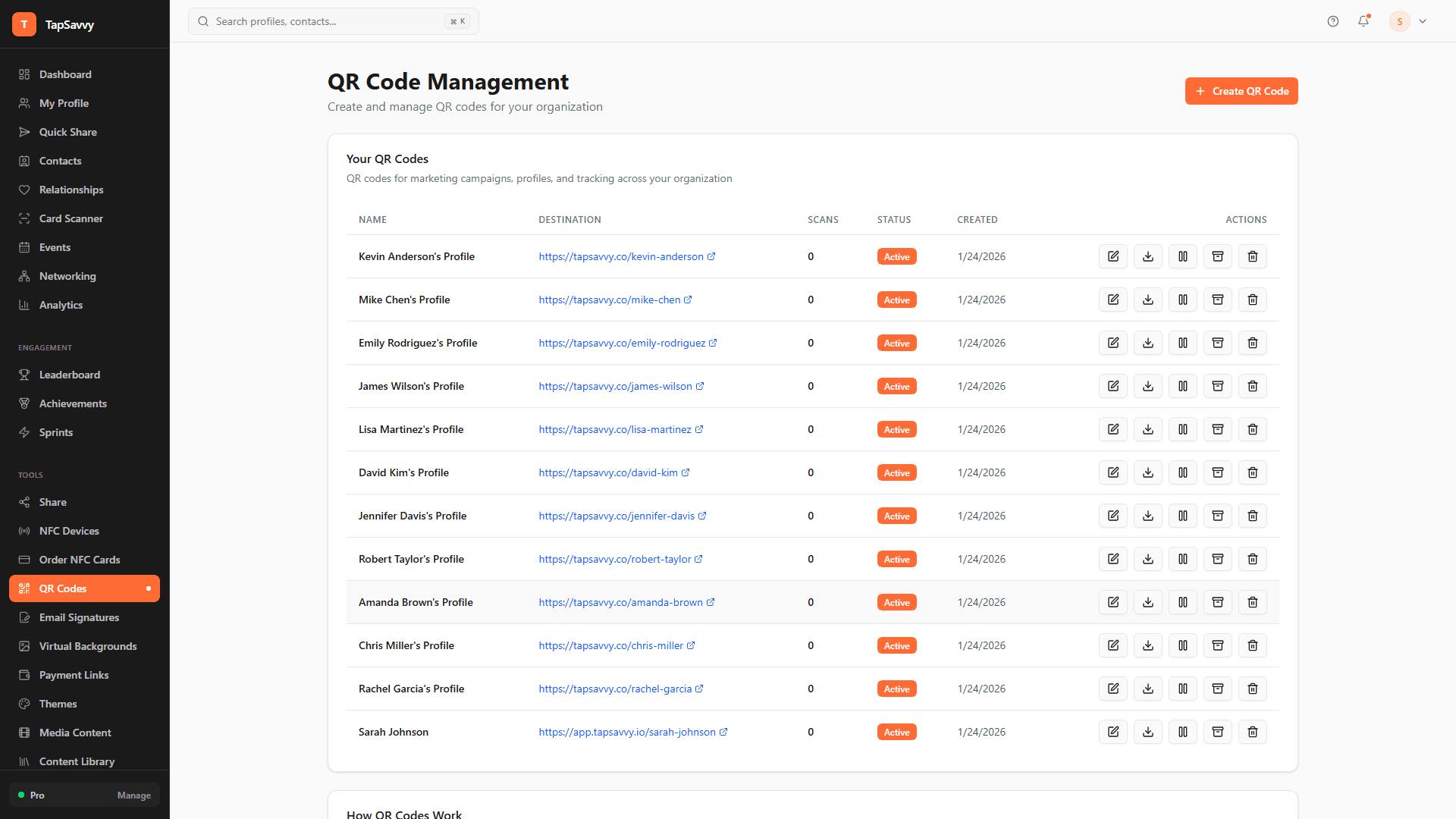
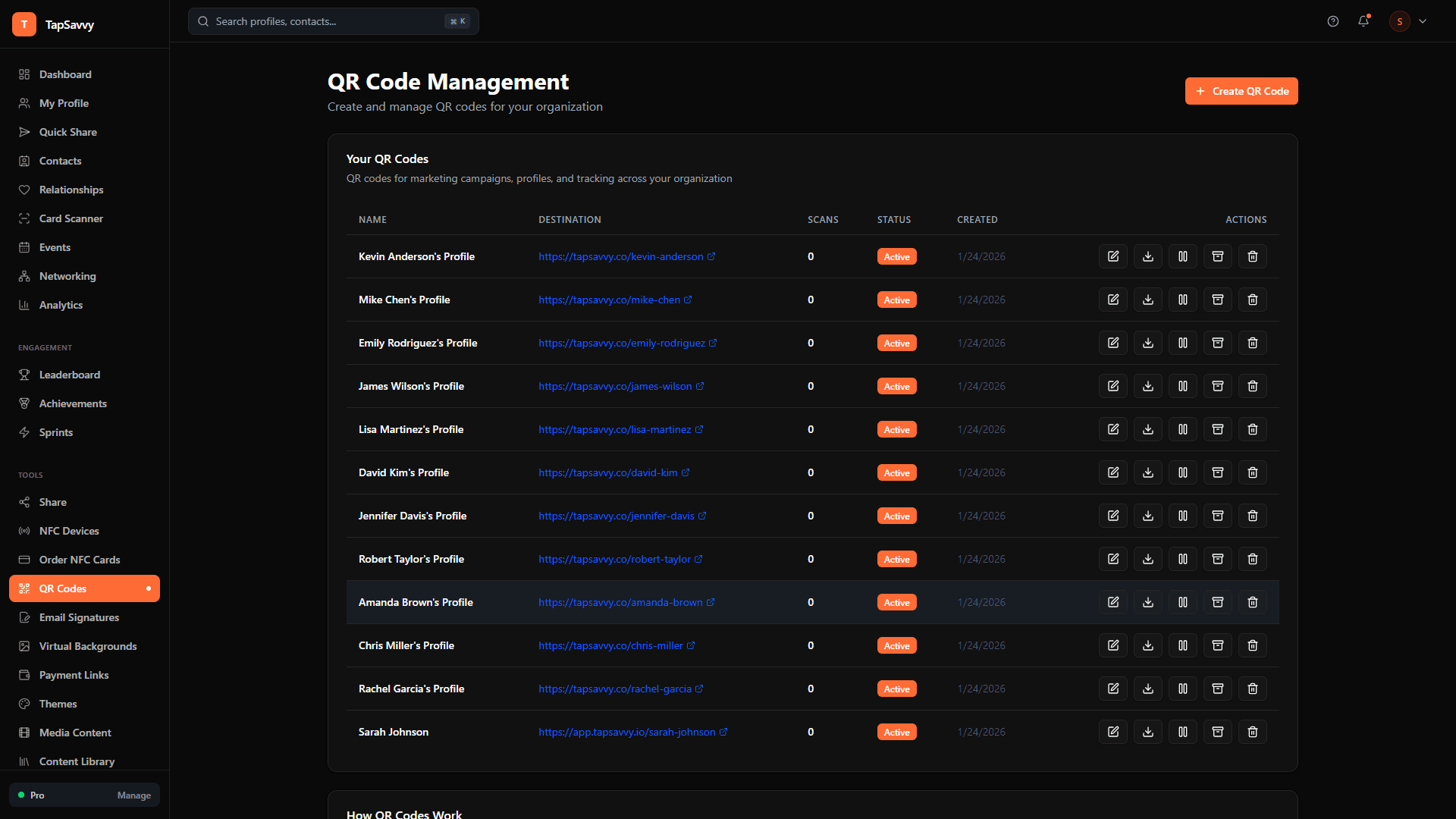
Generate unlimited QR codes for your profile. Put them on business cards, presentations, email signatures, or conference badges. Every scan is tracked with full analytics.
- Unlimited QR codes per profile
- Download as PNG for print or digital
- Full tracking: who scanned, when, where
- UTM parameter support for campaign tracking
- Custom styling options
NFC Device Management
Physical Cards That Stay Current
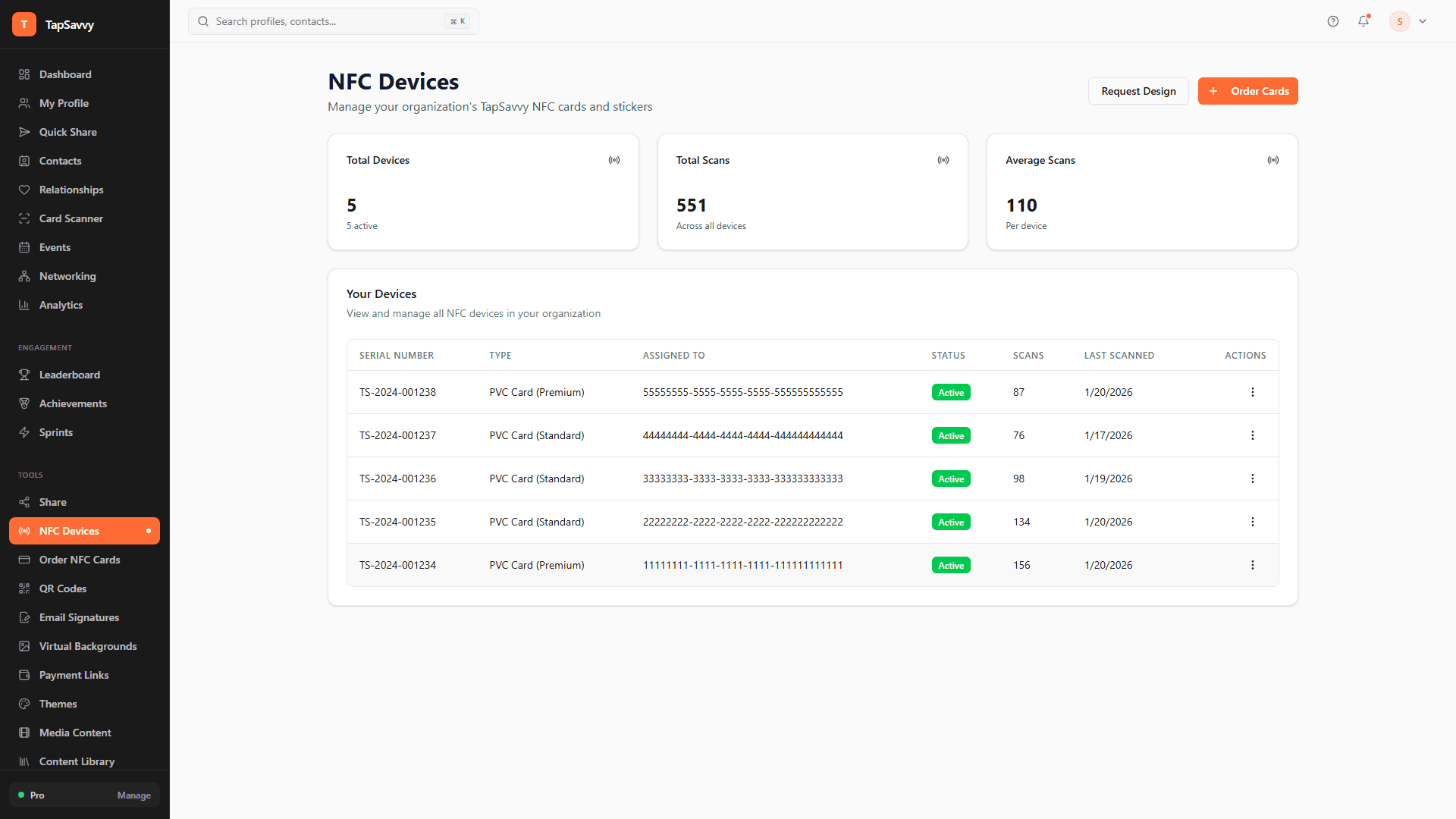
Register NFC cards and stickers to your profile. When contacts tap your card, they're directed to your always-updated digital profile. No more reprinting when your info changes.
- Register unlimited NFC devices
- Track taps per device
- Reassign devices between profiles
- Works with standard NTAG chips
- Bulk device management for teams